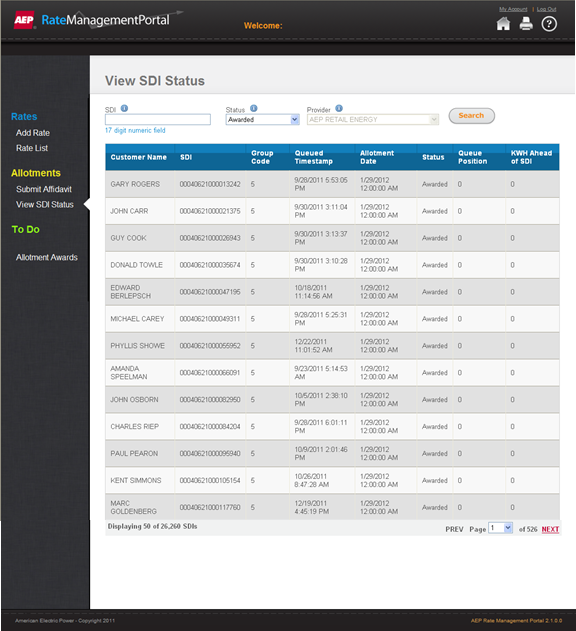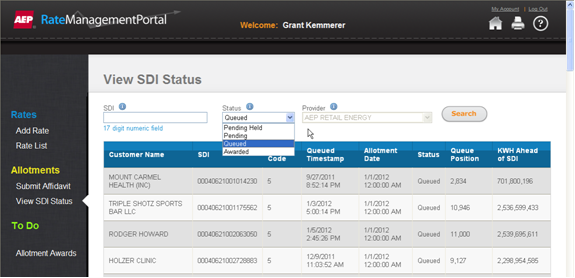
In order to view the status of your SDI, please follow the steps below:
Once you are logged into the Rate Management Portal system, click the menu item View SDI Status under the Allotments section.
 ) for helpful information.
You can search for a specific SDI by typing the SDI 17 digit numeric identifier or by Status (Queued, Pending Held, Pending, or Approved).
1. Type the 17 digit numeric identifier in the SDI field.
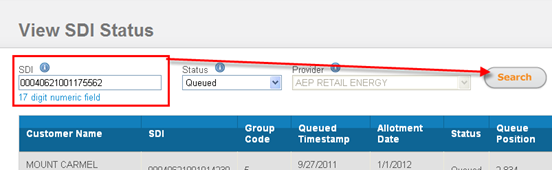
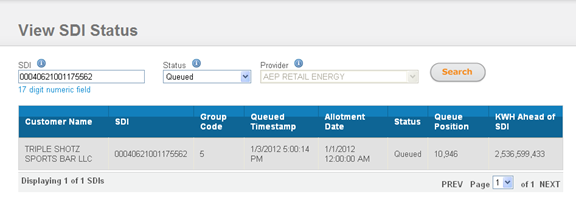
2. Then, click the Search button.
Result: The screen displays the information.
1. Click the down arrow on the Status field.
2. Select the desired status.
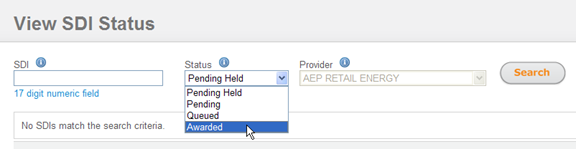
3. Then, click the Search button.
Result: The screen displays the information.